
Appearance
A boss on a face
Continuing from the constrained plate. Extrude it, then add a raised circular boss on top.
1. Make the solid
With the plate sketch active, press E, type 8 into the extrude dialog's distance, and press OK.
The view switches to Model. The Timeline gains an Extrude row, and the volume appears below.
Check the arithmetic: 60 by 30 by 8 is 14400, less two 8 mm holes through 8 mm of material, about 13600 mm³. Both circles came through as holes.
2. Pick the top face
Press Iso for a three-quarter view, then Top if you would rather look straight down.
Set the select mode to Face 4 so you cannot catch an edge, then click the top of the plate.
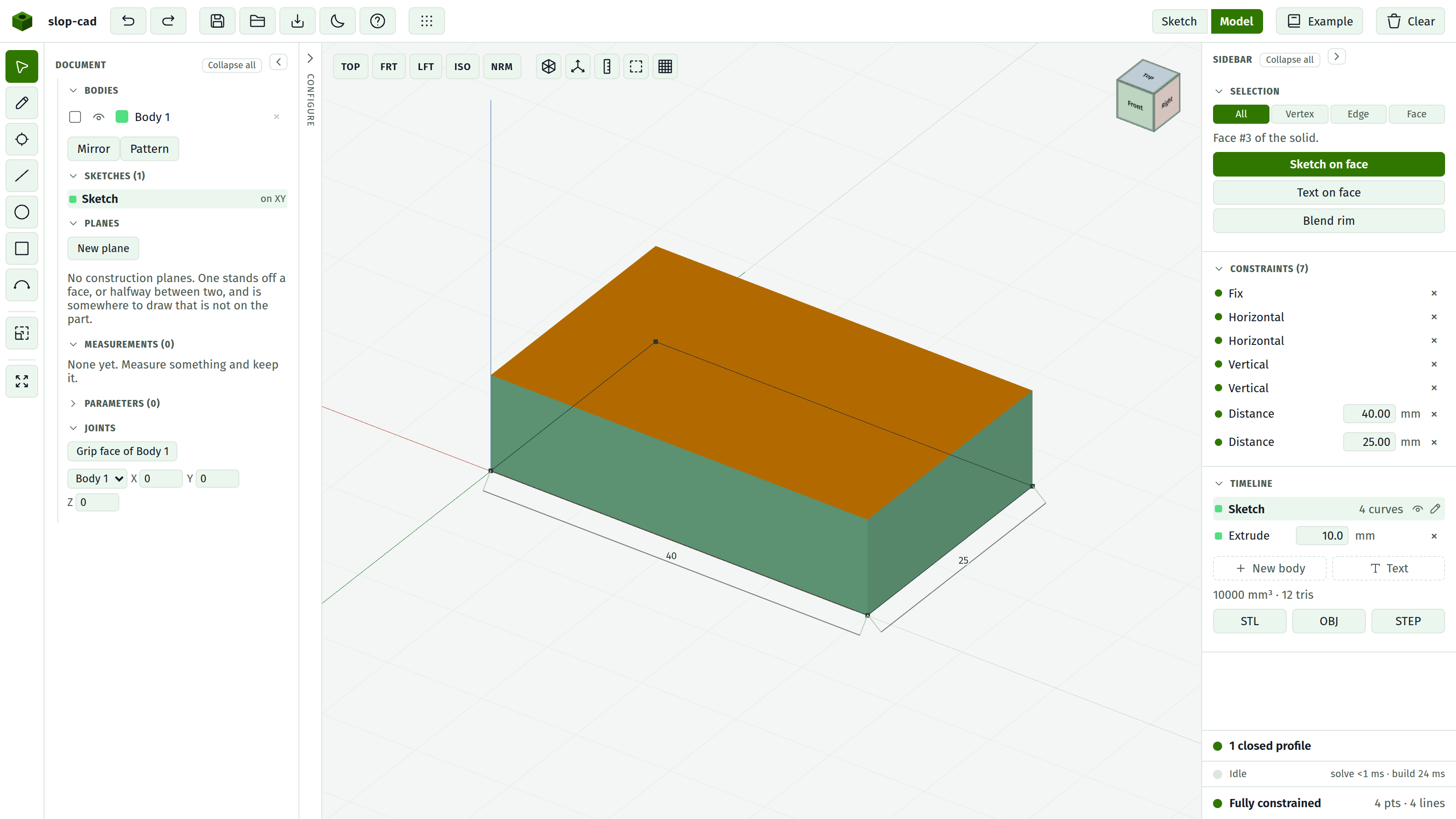
The Selection section reports Face #N of the solid and offers Sketch on face.
3. Start the sketch
Press Sketch on face.
A new row appears in the Timeline: Sketch on top face. You stay in the 3D view with the Pencil armed, which is convenient for rough work.
Press Sketch in the top bar to work flat instead. For anything you intend to dimension, the 2D view is much easier.
Where the origin is
This sketch's origin is the centre of the face, not a corner and not the world origin. Drawing at 0,0 puts you in the middle of the plate.
4. Draw the boss
Press C and draw a circle roughly at the centre.
Click it and press Diameter. Type 20.
Now place it. The centre needs pinning: click the circle's centre point and use its X and Y fields in the Selection section. Set both to 0.
Because the origin is the face centre, that puts the boss exactly in the middle of the plate. The status foot reads Fully constrained.
5. Extrude it
Press E. The dialog now offers an operation row, because this sketch sits on a face.
Leave Join selected, type 6, and press OK.
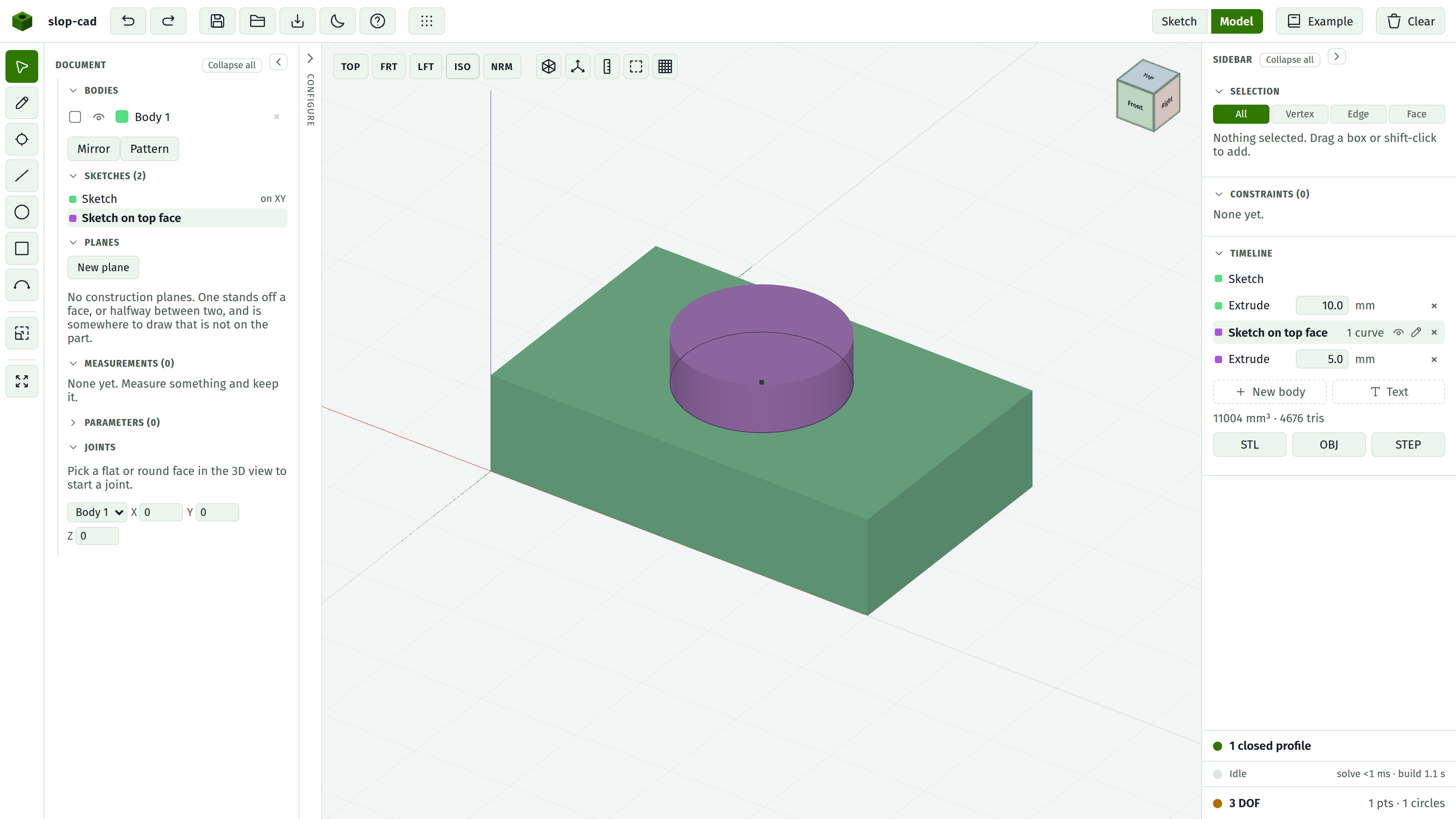
The boss unions into the plate. The volume goes up by roughly the boss's own, and the Timeline now shows two features, each with its own colour swatch, which is how you tell which feature contributed which material.
6. Prove the reference holds
Click the first sketch row to go back to the plate. Change the 60 to 80 and press Enter.
Switch to Model. The plate is wider, and the boss is still centred on it, because you placed the boss at the centre of the face and the face is still the top face of feature 1.
That is a face reference doing its job. The sketch did not remember "face number 4"; it remembered "the top face of the first feature", which still exists after the edit.
Set it back to 60.
What breaks it
Three things, and the Timeline turns the row amber and says which:
- The face disappears.
- The face stops being flat, usually because a blend rounded it.
- The parent feature loses its solid.
The sketch then keeps building on the last plane it knew, and there is no way to re-point it. This is the reason to blend last. See face references.
What you did
- Extruded a sketch into a solid
- Picked a face and started a sketch on it
- Used the face-centre origin to place something exactly
- Watched a face reference survive an edit to the part underneath