
Appearance
Mirror
Reflecting a whole body in a plane. It is how a symmetric part is made: build one half, mirror it, join the two.
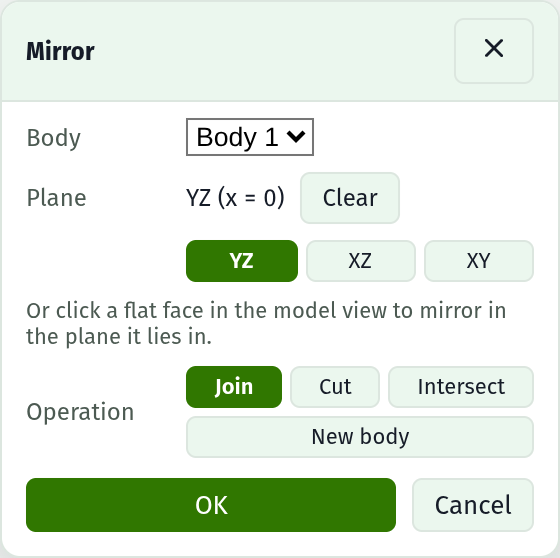
Press Mirror in the Bodies section and the command dialog opens over the model view. The solid stays live under it: clicking a flat face picks the plane that face lies in.
Fields
| Field | Notes |
|---|---|
| Body | Which solid to reflect. It is never consumed, whichever operation runs |
| Plane | YZ, XZ or XY for a world plane through the origin, or click a flat face in the model view to use the plane it lies in |
| Operation | Join, Cut, Intersect, or New body |
| OK | Commits it. Refused until both a body and a plane are chosen |
The operations
| Operation | What you get |
|---|---|
| Join | One body: the half and its reflection fused. The symmetric-part move |
| Cut | The body with its own reflection carved out of it |
| Intersect | Only what the body and its reflection both occupy, which is the part of it that is already symmetric |
| New body | Two bodies: the original, and the reflection standing on its own |
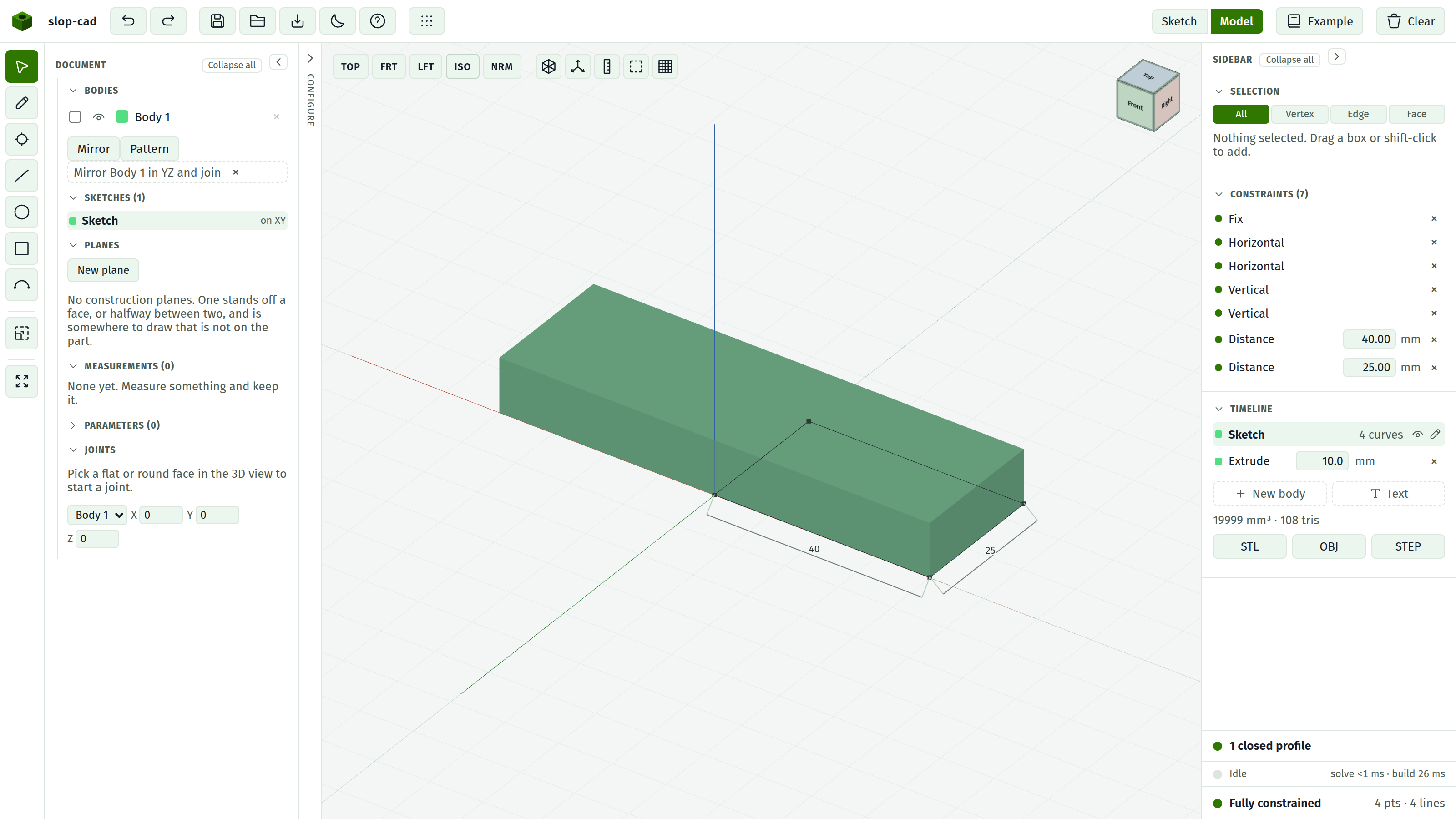
Join here rather than mirroring to a new body and combining afterwards. The two halves meet exactly in the mirror plane, and only the mirror itself knows which way they have to overlap; a combine made later has to guess, and a guess the wrong way leaves two solids sitting against each other rather than one part.
It is a feature, not a copy
What the document holds is the plane, not the reflected geometry. Change the sketch under the source body and both halves change with it: widen the plate and the mirrored part widens at both ends.
The reflection is taken of the body as its own features and any joint left it, and before any combine between whole bodies. So a reflection standing on its own is a body a combine can name.
What it costs
WARNING
A reflection shares with its source every plane parallel to the mirror normal, and faces that lie exactly on each other are what the modelling step cannot resolve. Those faces are parted by five microns before the boolean runs, and the seam is overlapped by the same amount. On a part with a 40 x 25 face in common that is about 5 mm³ of volume, which is the number the timeline will show.
What it does not do
A mirror reflects a whole body. Reflecting one feature's faces within a body is not here.
Nothing flips a body in place: the source always stays. To keep only the reflection, mirror to a new body and delete the original.
The reflection's own faces cannot host a sketch or a blend. Those name a face by the sketch that swept it, and no sketch swept the reflected side. Faces on the source half are unaffected, blends included.
See also
- Bodies, for the list the command opens from
- Extrude, for the other command dialog and how one behaves
- Offset, for growing and shrinking a shape rather than reflecting it
- Construction planes, for building the midplane a symmetric part reflects in
- Face references, for why a reflected face has no name